Aleph 0.1.2 is here

One space.
Infinite work.

Your models, tools, and files.
A little more room for your ideas.

Bring them together in one macOS workspace. Work with an agent, explore a focused environment, or compose your own in The Workshop.

Apple silicon · Local-first · Public source

Find your workspace
YOUR IDEAS, AT HOME
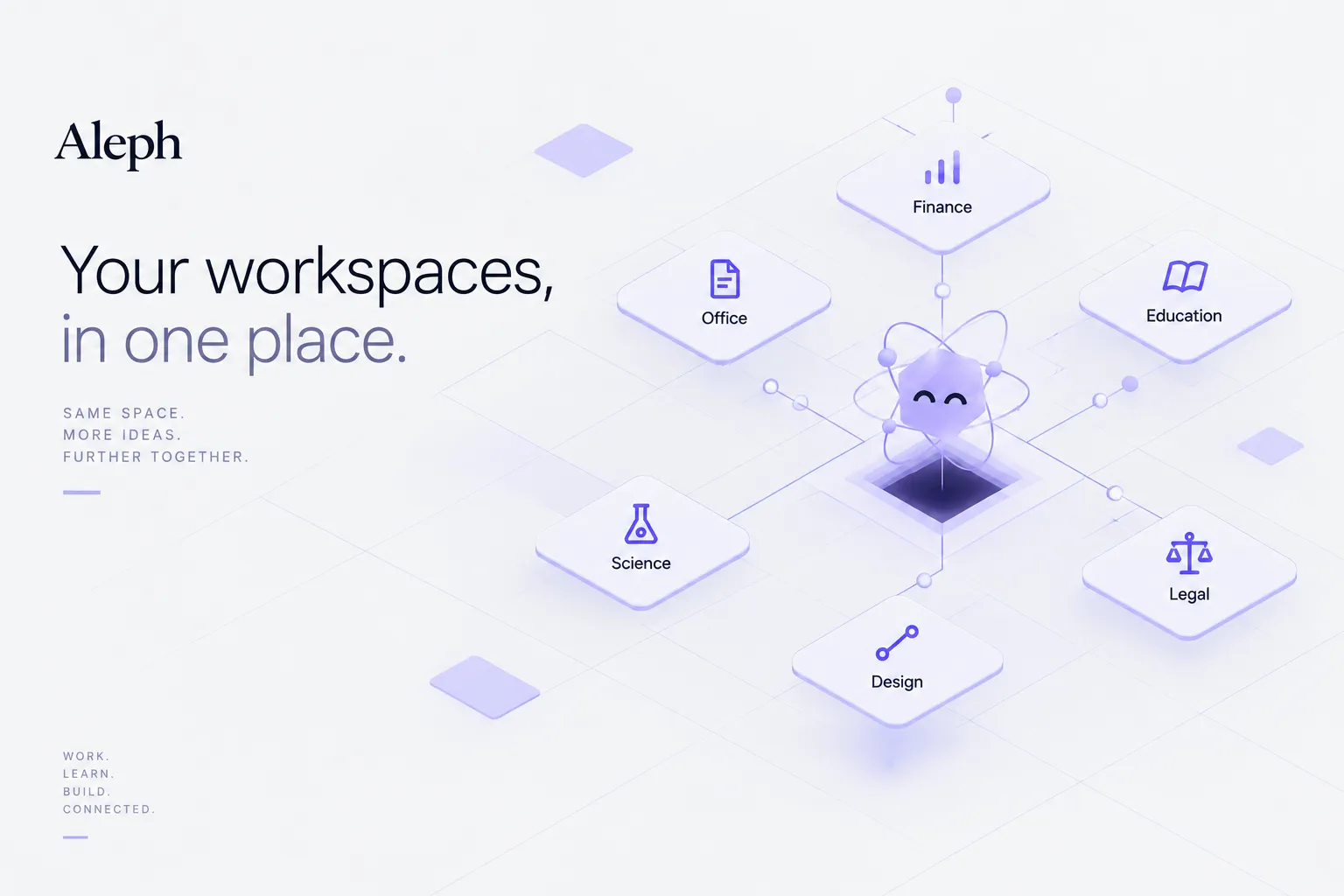
Aleph’s official illustration of Science, Education, Office, Finance, Legal, and Design around its mascot
Six ways to begin. One place to work.Product concept / Aleph

A home for your workFiles, sessions, and workspaces on your device.

Your choice of modelUse your own provider access and credentials.

Open to explorationPublic source. A place for builders, too.

01 / FIND YOUR FOCUS

Different work.
A shared home.

Research a question. Learn something new. Shape a document. Each workspace gives your work a focused starting point inside Aleph.

ALEPH / Science

Follow the question.

A place for scientific files, research conversations, computation, and visual results.

Research filesComputationVisual artifacts
AN IDEA TO START WITH

“Help me explore these research files and organize the questions I should investigate next.”

Explore Science

Example prompts suggest ways to begin. Available tools depend on your build, model, and setup. Review consequential outputs; Finance and Legal do not replace professional judgment.

02 / MAKE IT YOURS

An agent.
With your way
of working.

The Workshop / El Cuarto is where you compose an agent: its model, identity, goal, and the tools it can use.

  1. 01 Choose a model or provider.
  2. 02 Give your agent an identity and a goal.
  3. 03 Equip its tools, save it, and use it in La Sala.
Meet The Workshop
THE WORKSHOP, IN MOTIONProduct walkthrough · Existing interface footage

03 / BRING YOUR WORLD

Your models.
Your tools.

A model provides the intelligence. Your files give it context. Tools give an agent ways to work. Aleph brings those choices into the same environment.

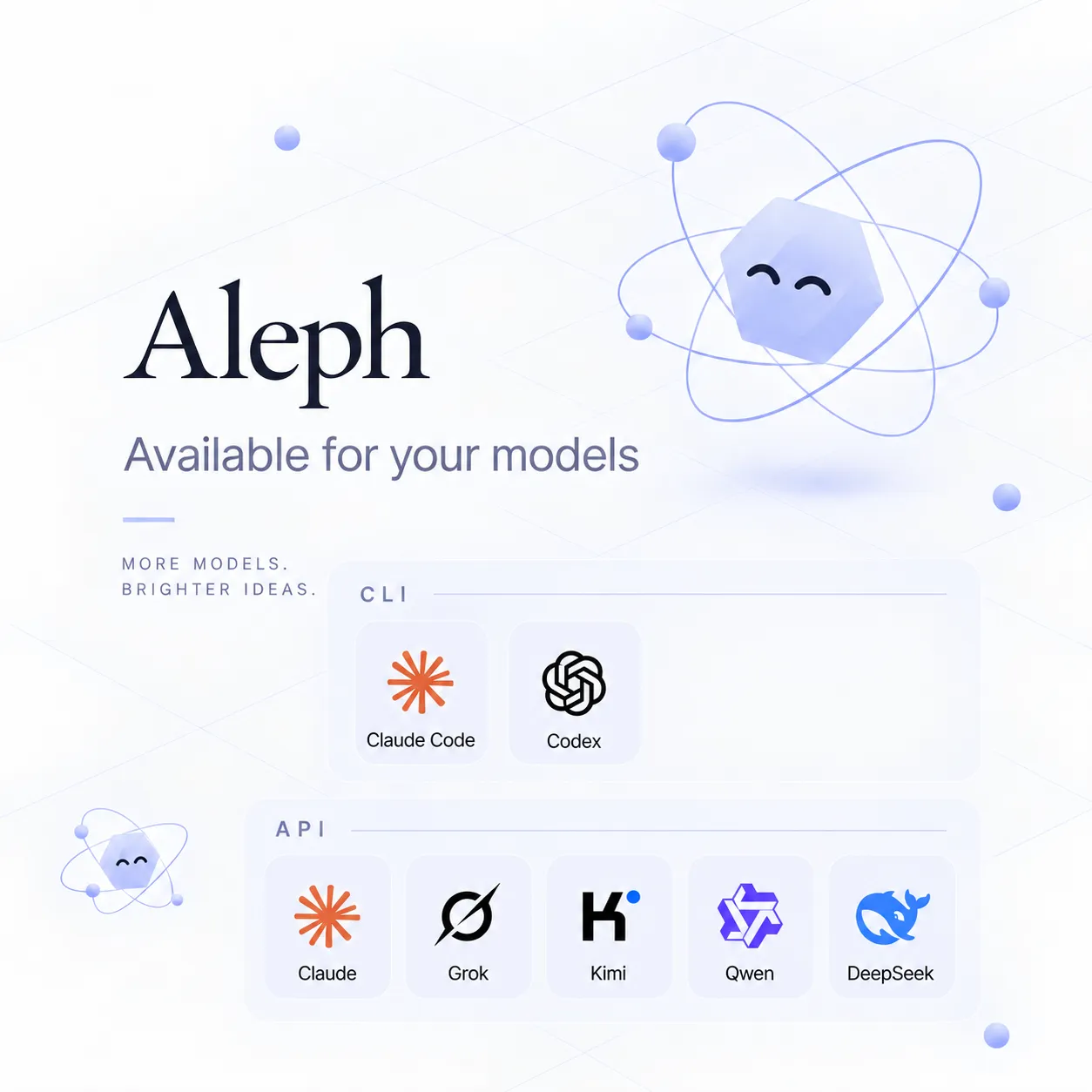
Official conceptual illustration of model APIs and CLI providers, including Claude Code and Codex

MODELS & CLI PROVIDERS

Choose how you connect.

Use your own API credentials, or an installed and authenticated CLI provider. The public guide describes Claude Code and Codex paths; your provider’s access and limits still apply.

Model setup and options
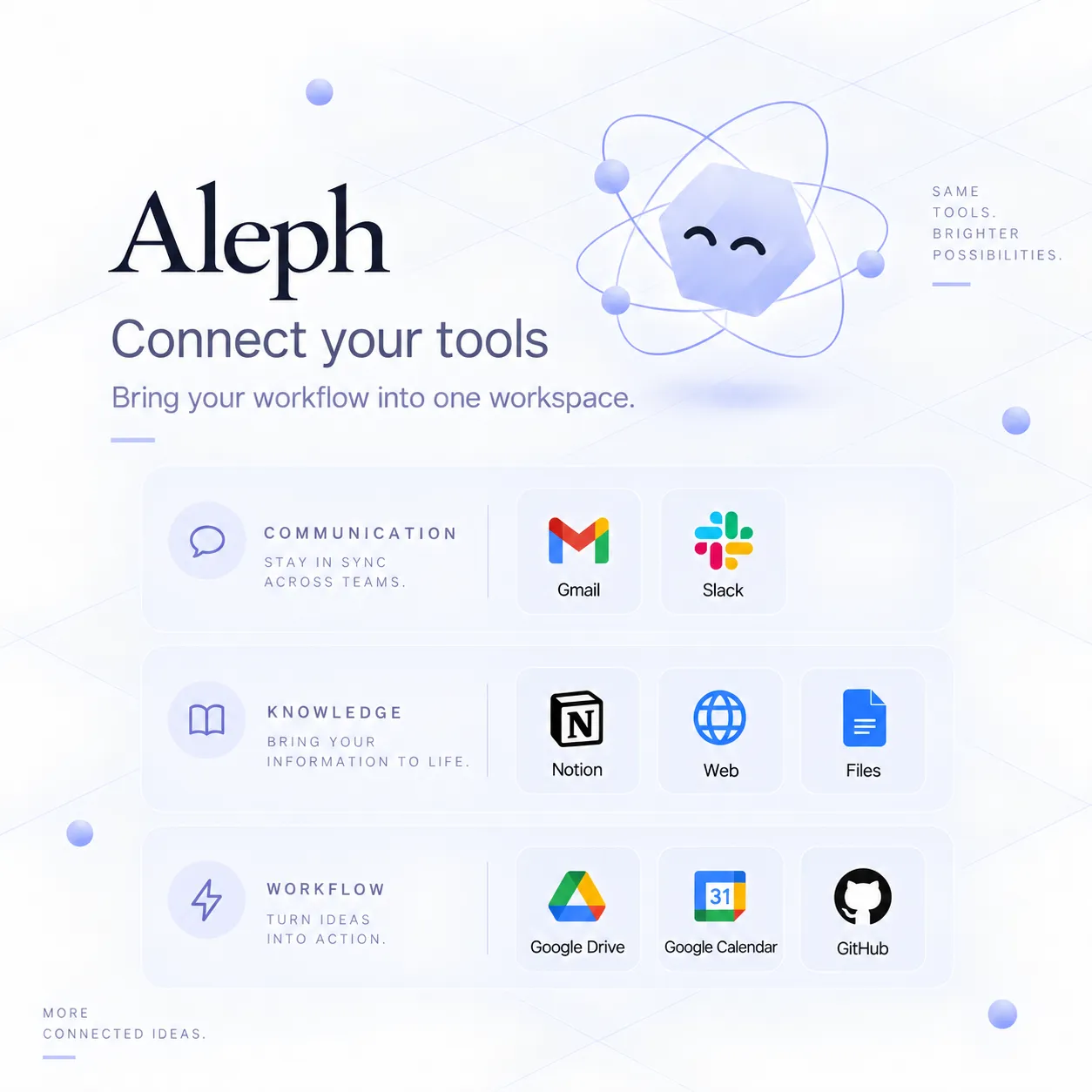
Official conceptual illustration of communication, knowledge, file, and workflow connectors

FILES & CONNECTED CAPABILITIES

Connect with intention.

Some tools need a local program. Others need an API key or account authorization. Follow each capability’s setup and test its connection before relying on it.

How capabilities connect

Official illustrations show the product concept, not a guarantee that every pictured service is ready in your installation. Models and connected accounts have separate permissions. Onshape remains optional / not certified.

04 / FROM INSTALL TO FIRST IDEA

Start small.
See where it goes.

Read the getting started guide
  1. 01 / INSTALL

    Make yourself at home.

    Download the Apple-silicon DMG, move Aleph to Applications, and follow setup.

    Installation guide ↗
  2. 02 / CONNECT

    Bring your model.

    Choose a provider. Configure your API key, or install and authenticate your CLI.

    Provider setup ↗
  3. 03 / BEGIN

    Describe the work.

    Pick an available agent in La Sala, give it a task, and review the files and artifacts it produces.

    Your first task ↗
  4. 04 / EXPLORE

    Find your own rhythm.

    Open a specialized workspace, or shape an agent you can return to in The Workshop.

    Compose an agent ↗

A MODEL IS ONLY PART OF THE SYSTEM

Work here.
Connect deliberately.

Aleph’s desktop environment lives on your machine. Remote providers and connected tools have their own data and authorization boundaries.

Understand the runtime
ON YOUR DEVICEAleph

Workspaces · sessions · files · artifacts

Agents + available capabilities

When you invoke a connected operation

CONNECTED SERVICES

Remote models · browser operations · account connectors

See the trust boundaries ↗

A FEW THINGS TO KNOW

Before
you begin.

Explore the documentation
What do I need to get started?

A Mac with Apple silicon, the Aleph app, and access to the model provider you want to use. Install the DMG, follow setup, and choose a provider. API providers need your credentials; CLI providers need their own installation and authentication.

Do I have to build an agent first?

No. Start in La Sala with an available agent and describe your task. The Workshop / El Cuarto is there when you want to choose a model, define an agent’s identity and goal, and equip it with tools.

Does local-first mean everything is offline?

Your desktop environment and local work live on your device. A remote model, browser operation, or connected service can send the information needed for that operation over the network. Each connection has its own setup and permissions.

Which models and integrations can I use?

Available options depend on your installed build, provider access, and connector setup. Claude Code and Codex are examples of CLI provider paths in the public guide. The illustrations show product concepts; they are not a compatibility guarantee for every service.

Is Aleph open source?

Yes. Aleph-owned source is published under Apache-2.0. Third-party components retain their own licenses, and the Aleph name, logo, mascot, and official branding have separate terms. See the repository for source and build limitations.

Why might macOS show a security prompt?

Aleph 0.1.2 is ad-hoc signed and not notarized. Verify the published SHA-256 before opening it. If macOS blocks the first launch, try opening the app once, then use System Settings → Privacy & Security → Open Anyway. The installation guide explains the steps.

Installation, SHA-256, and macOS first-open guidance ↗

FOR THE CURIOUS. FOR THE BUILDERS.

What will you
make room for?

Aleph 0.1.2 · Apple silicon · Apache-2.0 source
Ad-hoc signed and not notarized. Read the installation guide.