Workspaces
The Workshop lets users compose an environment. A specialized workspace gives them a domain-oriented starting surface without rebuilding every tool, view and workflow. All six sit inside Aleph’s shared application frame, while their data structures and capabilities differ. The exact tools available in a workspace depend on the build.
| Workspace | Structural focus |
|---|---|
| Science | Keep scientific files, computation, conversation and visual artifacts in one research context. |
| Education | Maintain learning context across explanations, study workflows and structured outputs. |
| Office | Treat documents, spreadsheets and presentations as structured work objects, not only chat attachments. |
| Finance | Separate deterministic analysis, charts and run artifacts from model-generated interpretation. This is not financial advice. |
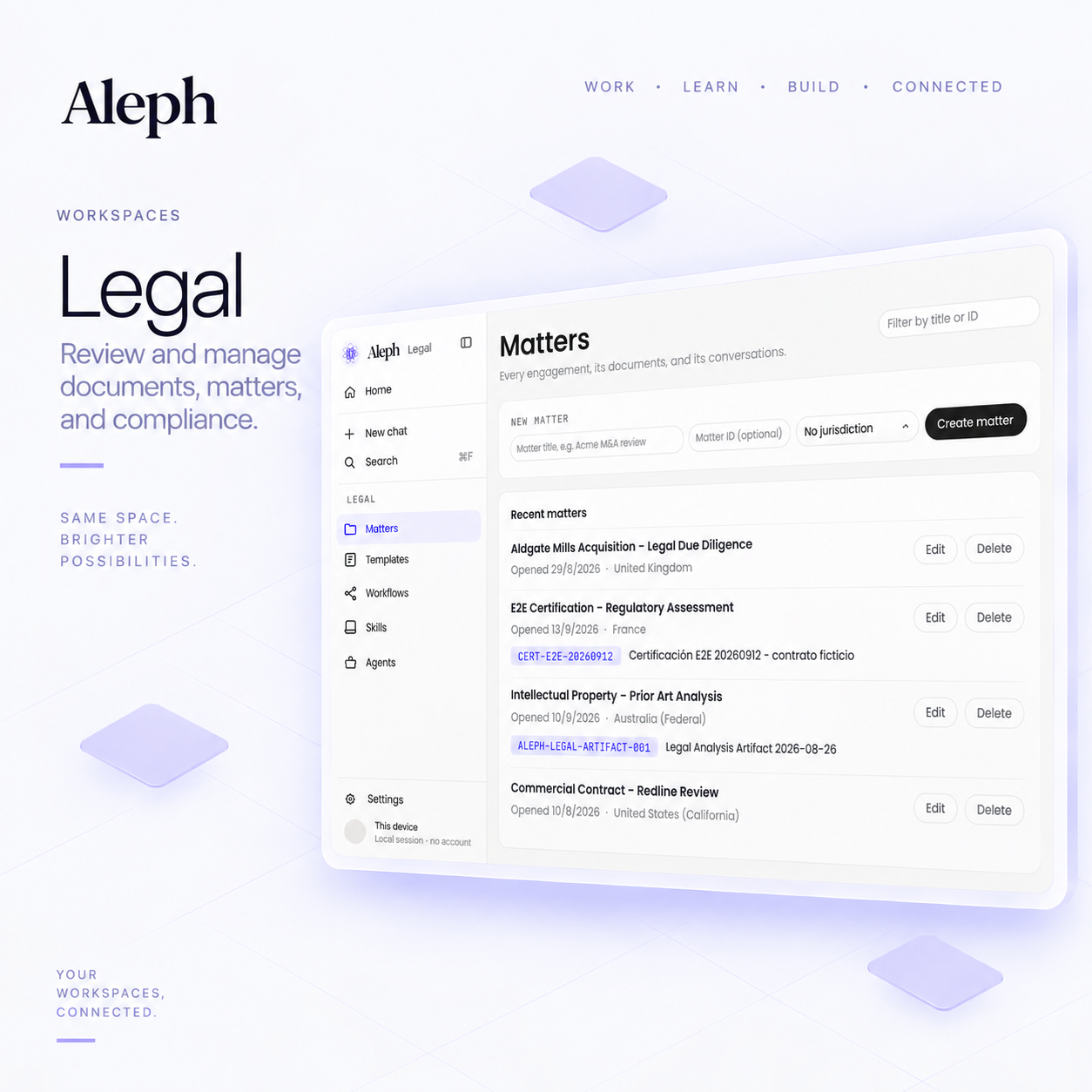
| Legal | Organize matter-oriented documents, records and review surfaces. This is not automated legal advice. |
| Design | Support iteration between agent instructions, visual surfaces and design artifacts. |
Cross-workspace communication and shared context are an architectural direction, not a claim that every domain workflow already interoperates. The longer-term goal is to let people work across disciplines without losing the boundaries of each workspace.
Science
Section titled “Science”Start with a research question and the scientific files that inform it. This workspace brings computation, conversations, and visual artifacts into a research context. Check the tools available in your installed build before planning a workflow.
Education
Section titled “Education”Use study material as context for explanations and learning. A starting task might be to organize topics, identify gaps in understanding, or develop a practice plan.
Office
Section titled “Office”Focus on documents, spreadsheets, presentations, and their source material. Describe the output you need, then review the produced file or artifact rather than relying only on the conversational summary.
Finance
Section titled “Finance”Organize analysis, charts, and run artifacts. Keep the numerical calculation distinct from model-generated interpretation, and review assumptions and data. This workspace does not replace financial judgment.
Organize matter-oriented documents and records for review. Specify the source material and questions clearly. Review legal conclusions with the appropriate professional; generated text is not a substitute for legal advice.
Design
Section titled “Design”Develop visual directions and creative artifacts through iteration. Begin with a brief and relevant reference material, then examine and refine the result.
Start with a task
Section titled “Start with a task”The interactive workspace explorer offers example prompts. They suggest ways to begin, not promises that every operation is supported. Your first session explains setup and provider access.